手头在做的老项目,富文本编辑器是基于QuillJs 实现的,组件用的是 Vue-quill-editor ,非常简约,品质很高,但是自定义比较繁琐。之前自定义上传附件就比较麻烦(需要重载覆盖它的组件,其富文本不是标准的html格式),最近接到的需求,要求实现一个「图库」,即最近上传的图片可以重复选取,这个图库很好处理,主要是如何快捷使用,方便用户。最终是在工具栏中增加「图库」入口按钮,记录一下核心代码逻辑。
<template>
// ...

<quill-editor ref="text" v-model="content" :options="editorOption"/>

// ...
</template>

<script>
export default {
  data() {
    const toolbarOptions = [
      ["bold", "italic", 'clean'], // 加粗 斜体 下划线 删除线
      ["image", 'imageBank', 'upload'], // 图片、图库、附件  「注意这里的 imageBank」
      [{size: ["small", false, "large", "huge"]}],
      [{color: []}],
    ];
    let $this = this;   // 指针转交

    return {
      editorOption: {
        theme: "snow", // or 'bubble'
        placeholder: " 请输入",
        modules: {
          toolbar: {
            container: toolbarOptions,  // 工具栏配置
            handlers: {
              // 注册点击事件
              imageBank: function (value) {
                if (value) {
                  $this.openImagesBank();
                }
              },
            }
          }
        }
      }
    }
  },
  methods: {
    // 打开图库
    openImagesBank() {
      this.$refs.imagesBank.$emit('open')
    },
  }
}
</script>
到这里,按钮已经加上了,也实现了点击触发,但是目前在页面上的效果是这样的:
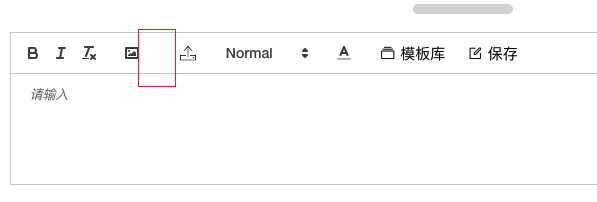
应该显示「图库」按钮的地方目前是空白的,但是点击事件是可以触发的。这是因为Quill的工具栏按钮是通过CSS加载图标的,所以我们需要在mouted中再加一段代码:
const imageBankButton = document.querySelector('.ql-imageBank');  // 注意 Quill 会为自定义的按钮加上`ql-`前缀作为 className
if (imageBankButton !== null) {
  imageBankButton.classList.add('el-icon-star-on');
  imageBankButton.innerText = ' 图库';
  imageBankButton.title = "图库";
  imageBankButton.style.fontSize = '15px'
  imageBankButton.style.width = '80px';
}
最终效果如下
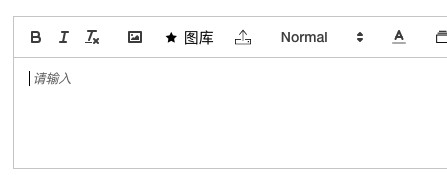
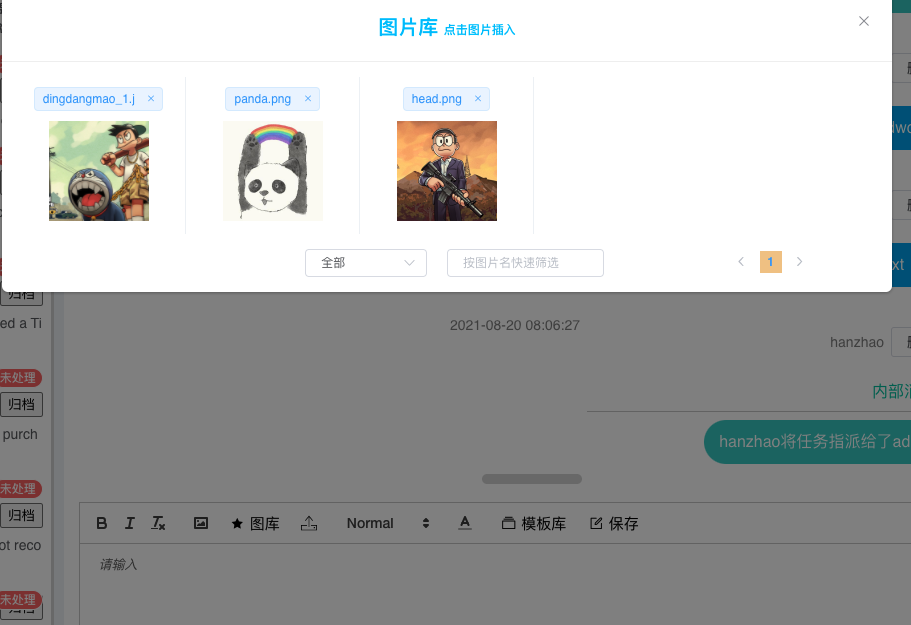
完成~
还碰到一个问题,即使是在mouted中,也加了$nextTick,偶尔还是存在document.querySelector获取不到的情况,偷懒处理吧。把上面的代码封装一下,mouted后通过setInterval走一个定时器,间隔设置的小一点,拿到对象后清空定时器。